The Foundation of QR Technology
We’ve discussed a myriad of highly specialized QR codes—from App Download QR codes with intelligent routing to vCard QR codes that instantly save contact information. While these specialized tools are incredibly powerful for their specific use cases, the undisputed king of scannable technology remains the humble URL QR code.
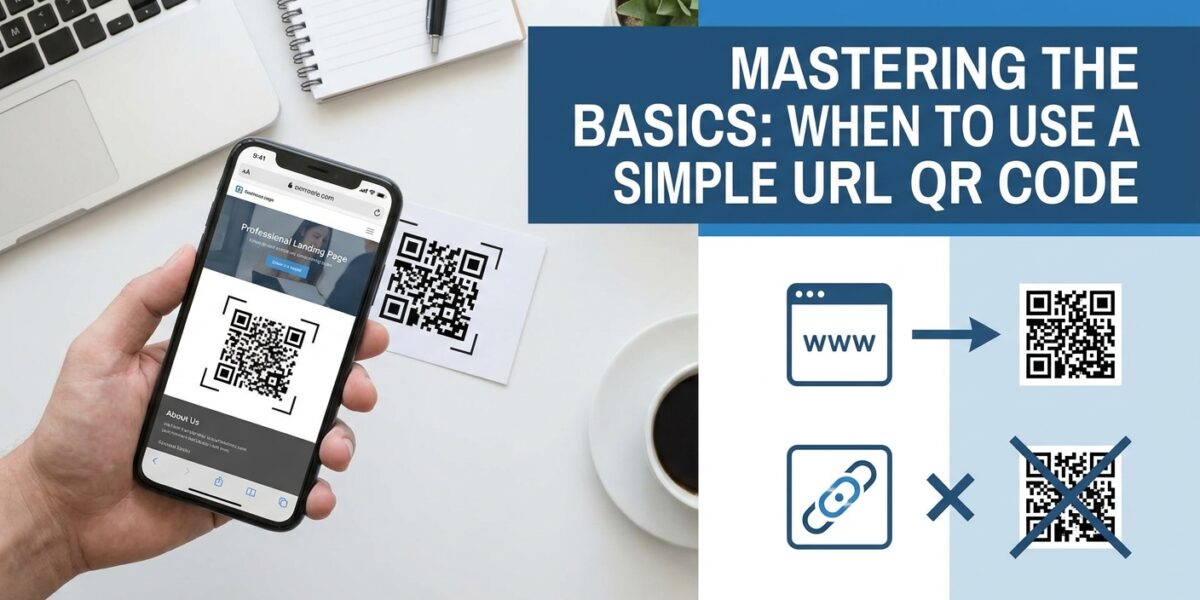
A URL QR code is exactly what it sounds like: a code that, when scanned, opens a specific web address in the user’s default browser. It is the most versatile, reliable, and widely understood type of QR code in existence. In this article, we’ll explore why the basic link code is still the most vital tool in your marketing arsenal and how to deploy it strategically.
Flexibility Over Specialization
The greatest strength of a Website QR code or a URL code is its infinite flexibility. Any piece of content that can be hosted on a web server can be accessed via a URL code. If your needs change frequently, a standard URL code linked to a dynamic landing page gives you absolute control over the post-scan experience.
For example, imagine you are a boutique clothing store. You print a thousand flyers with a URL QR code linking to yourstore.com/sale. During the summer, that URL displays your summer collection. In the winter, you update the webpage to show your winter coats. The physical QR code on the flyer never changes, but the content it delivers is constantly fresh. This is the power of decoupling the physical trigger from the digital destination.
Best Use Cases for the Classic URL Code
1. Driving E-Commerce Sales
If you run a direct-to-consumer brand, placing a URL code on your packaging or unboxing materials is a fantastic way to drive repeat purchases. Link the code to a specific landing page offering a 20% discount on their next order. Because you control the URL, you can embed Google Analytics UTM parameters to track exactly how much revenue that specific printed code generated.
2. The Catch-All Digital Hub
If you don’t want to use a specific List of Links QR code, a standard URL code pointing to your company’s “Linktree” or “About Us” page serves a similar function. It acts as a digital front door for physical customers who want to learn more about your brand ethos, view your locations, or contact support.
3. Interactive Real Estate Listings
A real estate agent can place a URL code on a yard sign linking directly to a 3D Matterport tour of the home. This provides a much richer experience than a static Image QR code. Prospective buyers can virtually walk through the house while standing on the sidewalk.
Design Best Practices for URLs
When generating your code with our free QR code generator, you want to ensure the code remains easily scannable. A common mistake is encoding a URL that is excessively long. The longer the URL, the more “dots” the QR code must generate to store the data, making the code dense and harder for older smartphones to read.
If you have a very long URL (especially one laden with UTM tracking parameters), it is highly recommended to use a URL shortener before pasting it into the generator. A shorter URL results in a cleaner, simpler QR code pattern that scans instantly from further away.
When NOT to Use a URL Code
While versatile, there are times when a specialized code is vastly superior:
- Don’t use a URL code linking to a Google Doc for your menu. Use a Restaurant Menu QR code or a PDF QR code for a cleaner experience.
- Don’t use a URL code to link to a web page containing your phone number. Use a Phone Call QR code to dial the number instantly.
- Don’t use a URL code to link to your Wi-Fi router’s admin page. Use a WiFi QR code to connect the device automatically.
Conclusion
The URL QR code is the Swiss Army knife of digital marketing. While specialized tools are excellent for niche tasks, a standard link code combined with a well-designed mobile landing page can accomplish almost any business goal. Generate your free, permanent URL codes today and start bridging the gap between your physical assets and your digital presence.